01
Search every spoken word
Find exact phrases across a full transcript, jump straight to the timestamp, and keep playback in sync.
A local-first YouTube caption workspace built for editors, researchers, and anyone who needs to find the right line without scrubbing for hours.
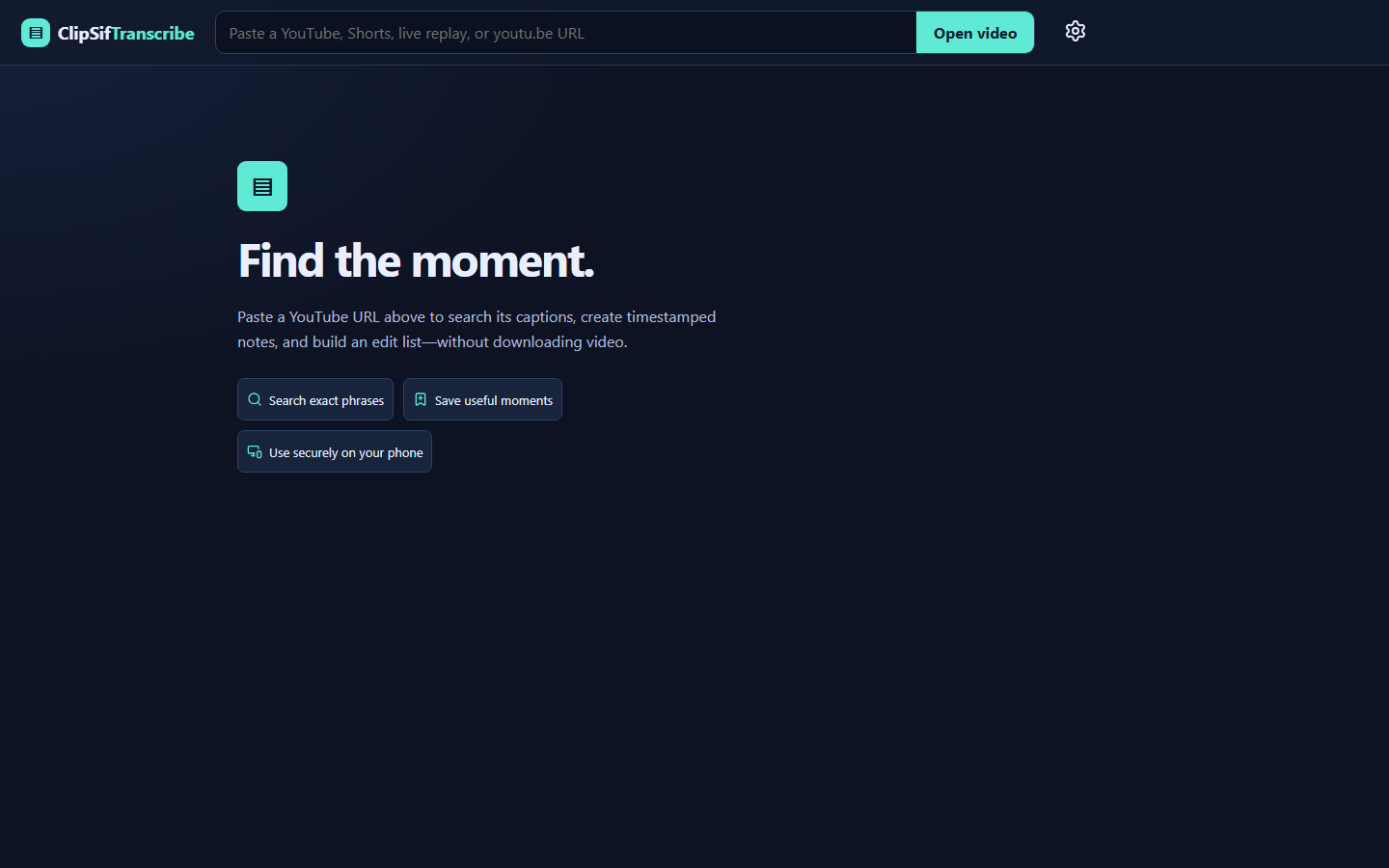
Stop hunting through timelines.
Your footage, made searchable
Start with a phrase. Land on the frame. Save what matters.
Find exact phrases across a full transcript, jump straight to the timestamp, and keep playback in sync.
Mark a single beat or a precise In/Out range. Add notes and return to the exact context later.
Take your selects into the next step as CSV, JSON, Markdown, or plain text.
Use available YouTube captions or import SRT, VTT, and timestamped text files.
A shorter path to the cut
Add a YouTube URL or import captions.
Find the line, idea, name, or phrase.
Capture the timestamp, range, and note.
Move your selects into the edit.
Local-first by design
ClipSif runs on your Windows PC. Your library, notes, searches, and saved moments live in a local SQLite database—not somebody else’s cloud.
Open by default
Read every line. Change anything. Fork it, learn from it, or make it fit your workflow. ClipSif Transcribe is released under the permissive MIT License.
Ready when you are
ClipSif Transcribe is free, open source, and built by an independent creator.